Nota: Questo contenuto è attualmente disponibile solo in tedesco e inglese. È possibile utilizzare la funzione di traduzione integrata del browser per visualizzare la pagina nella lingua desiderata. Le istruzioni sono disponibili per Google Chrome, Microsoft Edge o Mozilla Firefox.
You have the possibility to import your contacts from your SIM card to your smartphone.
To do this, follow the step by step instructions below:
Tip:
- Make sure that you have the latest update from the Play Store for the Contacts app installed.
Android 13 | Android 14/15 |
1. Open the Contacts-App  | 1. Open the Contacts-App |
2. ,,Fix & manage" | 2. ,,Organise"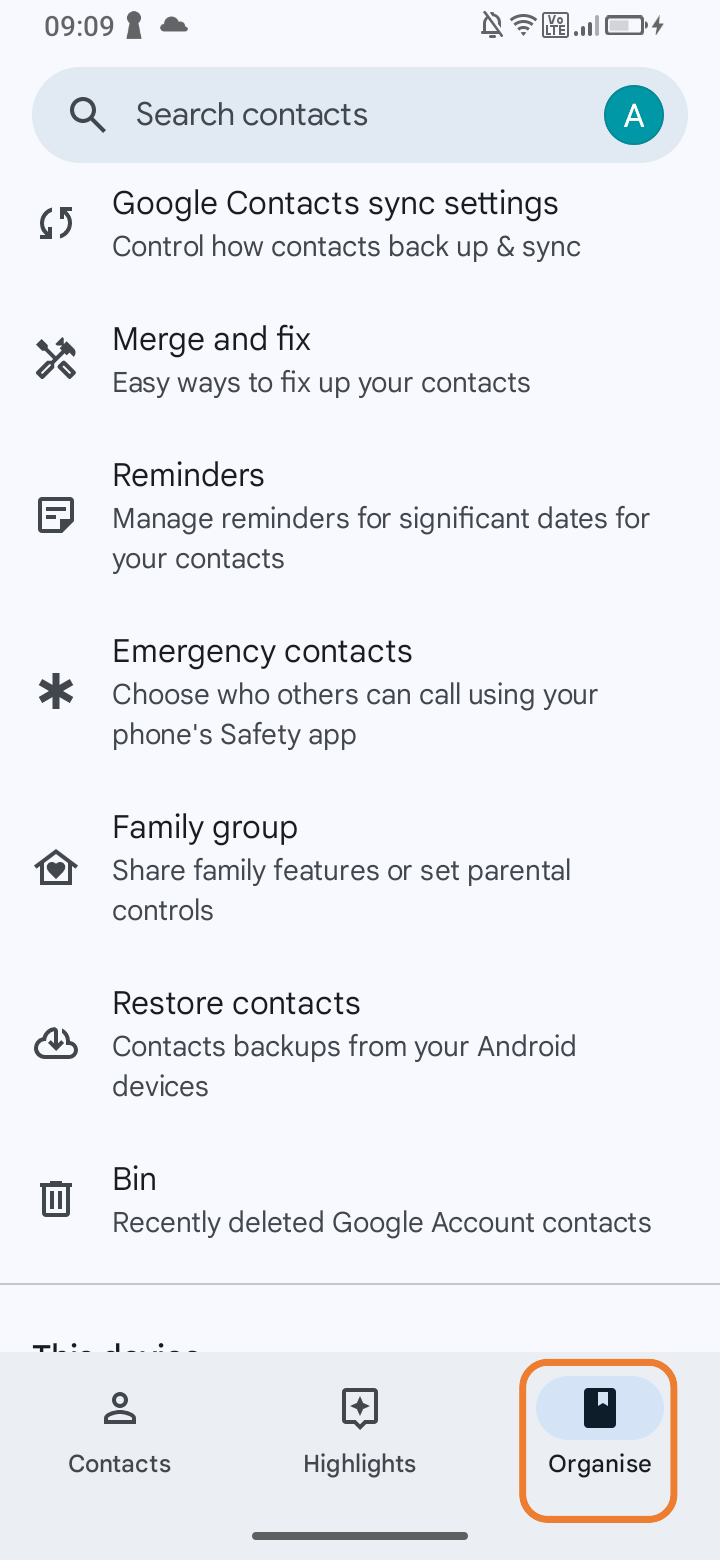 |
3. ,,Manage SIM" | 3. ,,Manage SIM" |
4. ,,Import" | 4. ,,Import"  |