Opmerking: Deze inhoud is momenteel alleen beschikbaar in het Duits en Engels. U kunt de ingebouwde vertaalfunctie van uw browser gebruiken om deze pagina in uw gewenste taal weer te geven. Instructies zijn beschikbaar voor Google Chrome, Microsoft Edge of Mozilla Firefox.
You have the possibility to import your contacts from your SIM card to your smartphone.
To do this, follow the step by step instructions below:
Tip:
- Make sure that you have the latest update from the Play Store for the Contacts app installed.
Android 13 | Android 14/15 |
1. Open the Contacts-App  | 1. Open the Contacts-App |
2. ,,Fix & manage" | 2. ,,Organise"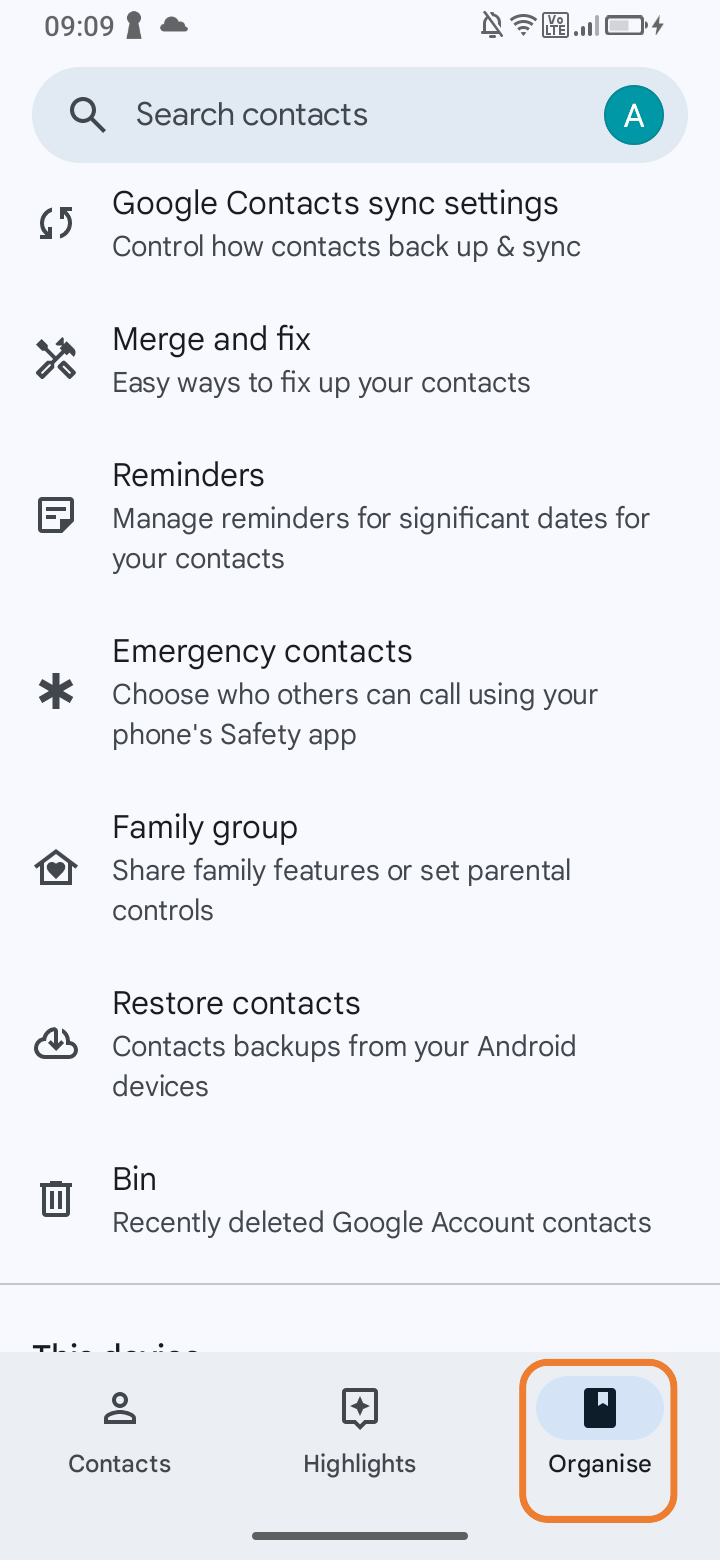 |
3. ,,Manage SIM" | 3. ,,Manage SIM" |
4. ,,Import" | 4. ,,Import"  |