To configure settings, you can use your device's web configurator.
To do this, you need the device's local IP address. Enter this address in the address bar of an internet browser.
Example:
If your device has the local IP address 192.168.2.100,
enter this address in the browser on your PC, tablet or smartphone.
The device's login page will then appear.
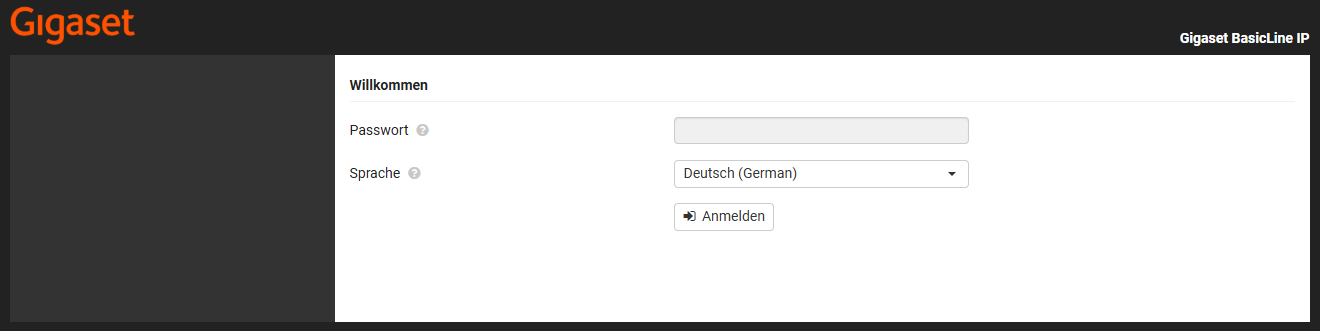
There are now several ways to obtain the local IP address of your Gigaset IP product.
gigaset-config.com
Gigaset offers the gigaset-config.com service for many of its IP products.
If you enter gigaset-config.com in the address bar of your browser, you will see an overview of all Gigaset IP products located in your local network.
Click on the desired device to go to the corresponding login page.
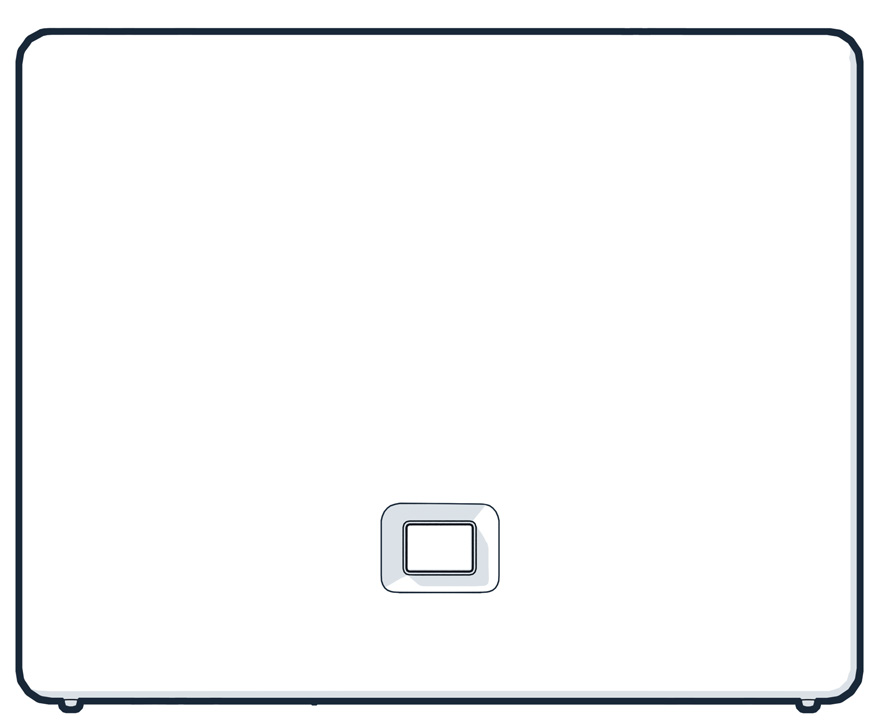
Paging button
If a handset is already registered to the device, simply press the green paging button.
The IP address of the device will then be shown on the handset display.
Router
If the above service does not work, you can check your router.
You can find the local IP addresses of your devices in the home network or network section of your router.
There you will usually find an overview of all devices that are currently connected to your home network, whether via Wi-Fi or LAN cable.
Depending on your router, the menu item may have a different name, for example:
- Home network
- Network
- Wi-Fi / Device overview
- Home network → Network devices
- Connected devices
In this list, you can view the local IP address, often also the device name or MAC address, for each device.
The device name is BasicLine IP.